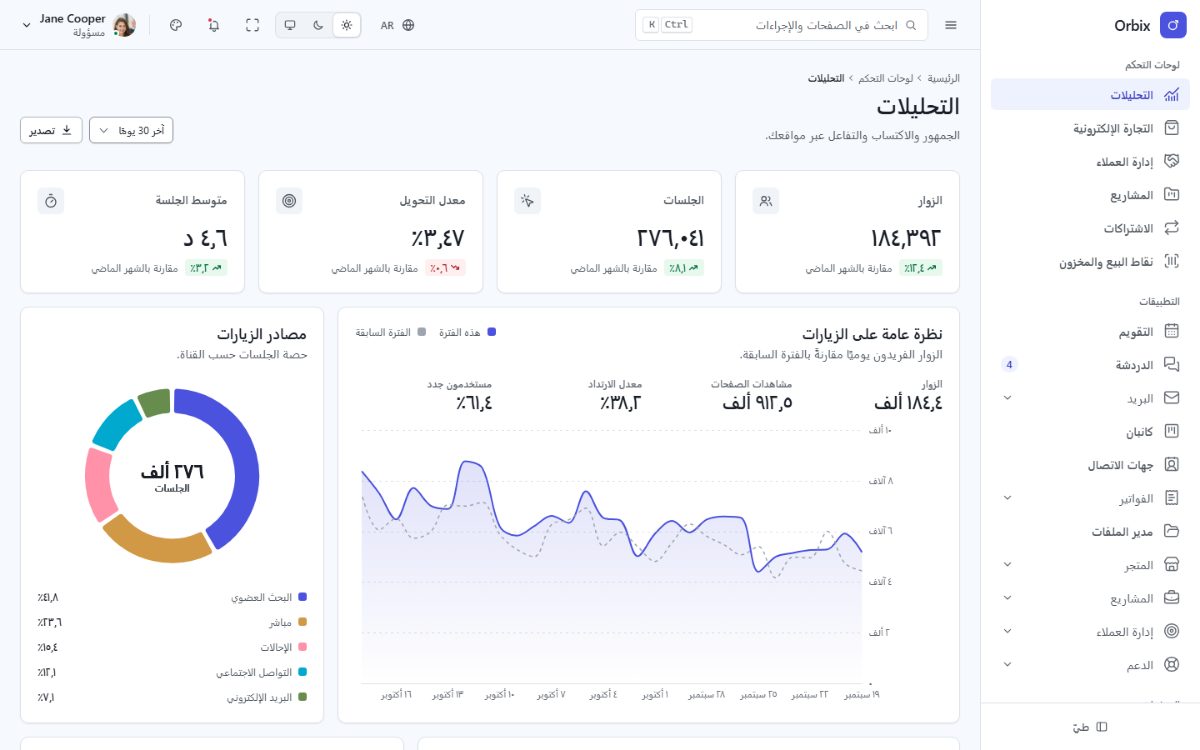
Theming: brand, dark mode, density, radius and RTL
The look of Orbix is driven by design tokens (CSS custom properties --fd-*) and by a small theme runtime
that builds the color palette from one brand color. You can set the defaults for all your users, let users change
them in the customizer, or change them from your own code.
Theme settings
| Key | Values | Default |
|---|---|---|
mode | light, dark, system | system |
preset | indigo, blue, teal, emerald, violet, rose, amber, graphite | indigo |
brandColor | any #rrggbb color (overrides the preset) | – |
neutral | slate, zinc, stone, cool, warm | slate |
radius | none, sm, md, lg, full | md |
density | compact, comfortable, spacious | comfortable |
elevation | flat, soft, bordered | soft |
layout | vertical, horizontal, two-column, detached | vertical |
motion | full, reduced | full |
font | system, humanist, geometric, serif, foundry (bundled Inter) | system |
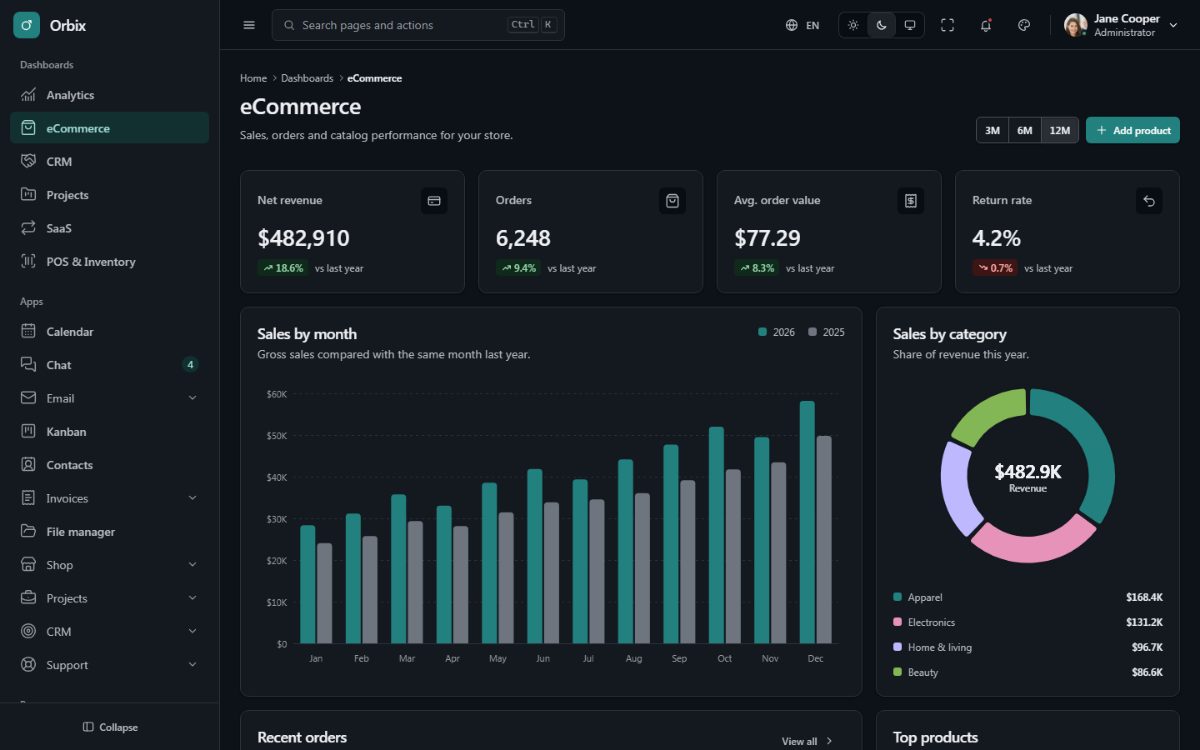
Set your own defaults
The defaults are set once at startup in src/core/app.ts (the browser start of the app). Pass your product settings to initTheme(); a user's own
choices in the customizer still win over them:
// src/core/app.ts
initTheme({ product: { font: 'system', preset: 'teal', radius: 'lg', density: 'compact', mode: 'light' } });
For a custom brand color use brandColor instead of preset:
initTheme({ product: { brandColor: '#0f766e' } });The palette (hover and active states, subtle tints, readable text on the brand color, chart colors) is computed from that color for both light and dark mode.
You can set the same defaults in src/scss/brand.scss instead ($theme: (brand: #0f766e, radius: lg)),
together with fixed token values such as your own font: see Customize with SCSS. Those
settings take precedence over the product defaults of initTheme().
Change the theme from code
import { getThemeRuntime, setTheme } from '@foundry/ui';

setTheme({ mode: 'dark' });                        // saved as the user's preference
setTheme({ preset: 'rose' }, { persist: false });  // applied for this session only
getThemeRuntime().reset();                         // forget the user's choices
Call these from event handlers or effects (for example a "Dark mode" switch in your settings page). The settings
are mirrored on <html> as data-theme, data-density, data-radius, data-elevation, data-layout,
data-motion and data-font, so you can target them in CSS:
[data-theme="dark"] .reports-chart { opacity: 0.92; }
[data-density="compact"] .reports-table { --fd-cell-pad-y: var(--fd-space-1); }
The user's preference is stored in the browser under the fd:theme key; the shell options (sidebar mode and
tones, width, direction) under ox:prefs. A no-flicker boot script inlined in <head> by the root layout
(src/app/layout.tsx) applies both before the first paint.
Right-to-left (RTL)
The direction follows the language: Arabic renders right-to-left, the other languages left-to-right (<html lang>
and dir are updated on every language switch). The direction can also be forced from the customizer or with
?dir=rtl.
Every Orbix style uses CSS logical properties (margin-inline-start, padding-inline, inset-inline-end,
border-start-start-radius...), so layouts mirror without separate RTL stylesheets. Icons that indicate a
direction (arrows, chevrons) are mirrored, and charts move the value axis to the inline end. Follow the same
rule in your own CSS: avoid left and right.