Starter kit
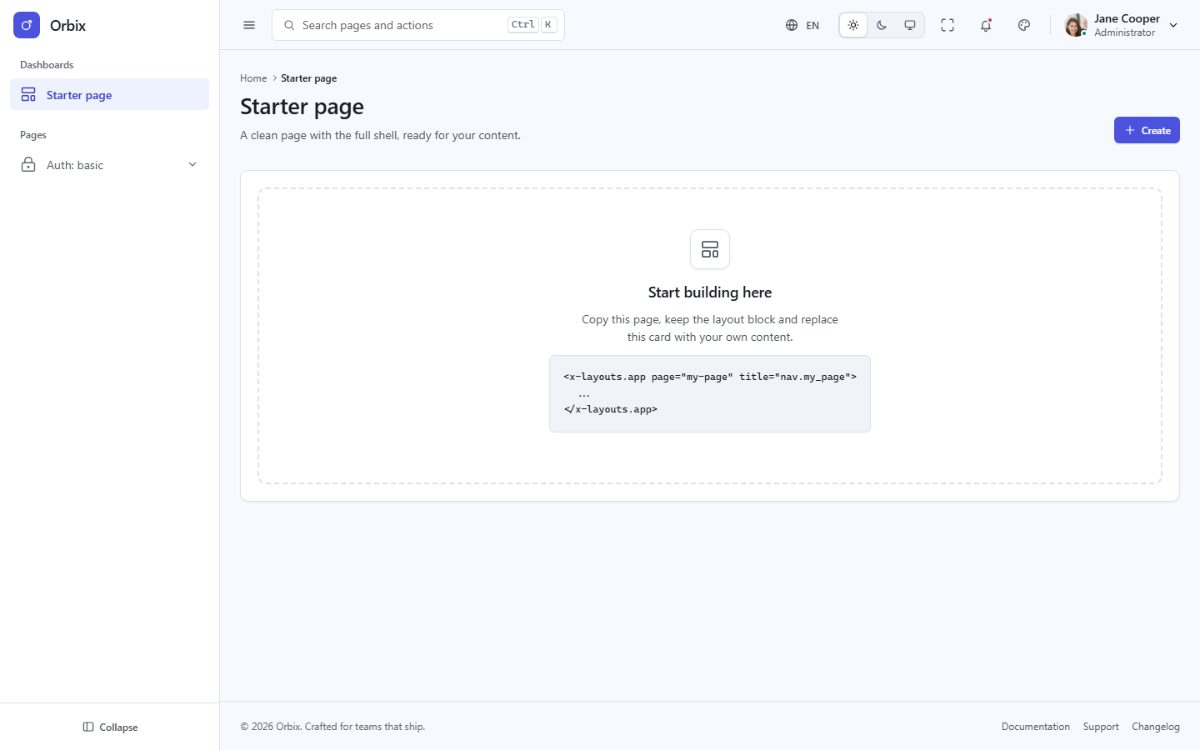
orbix-laravel-starterkit/ is the same Laravel application without the demo pages: start a new project from it
and copy pages or components from the full template when you need them.
What it includes
- The application shell: sidebar, topbar, footer, page header, theme customizer, command palette, notifications and language menus.
- The
app,authandblanklayouts. - The nine basic authentication pages (sign in, sign up, forgot and reset password, lock screen, two-step verification, email verification, signed out, success).
- One empty start page at
/. - The Tailwind CSS assets, the five languages with RTL, the theme runtime and the test suite.
What it leaves out: the demo pages, the components and page scripts only they use, the demo data and the chart
library. Menu links to removed pages point to # until you add your own.
Install
Exactly as the full template (see Installation):
cd orbix-laravel-starterkit
composer install
cp .env.example .env
php artisan key:generate
npm install && npm run build
php artisan serve
Bring a page from the full template
- Copy the view from
orbix-laravel/resources/views/pages/...to the same folder of the starter kit. - Copy the Blade components it uses (
<x-apps.product-card>→resources/views/components/apps/product-card.blade.php). - Add its route to
config/orbix-pages.phpand its menu entry toconfig/orbix-menu.php. - Copy its translation keys from the full template's
lang/*.jsonfiles. - If it has a page script (
module="..."), copy it fromresources/js/pages/. For charts, also copyresources/js/core/charts.tsand runnpm install echarts. - Run
npm run buildandphp artisan test.
Connect authentication
The auth pages are views only, so you can plug in the authentication you prefer. With Laravel Fortify: install it, then point its views to the Orbix pages in a service provider:
use Laravel\Fortify\Fortify;

Fortify::loginView(fn () => view('pages.auth.basic.sign-in'));
Fortify::registerView(fn () => view('pages.auth.basic.sign-up'));
Fortify::requestPasswordResetLinkView(fn () => view('pages.auth.basic.forgot-password'));
Fortify::resetPasswordView(fn () => view('pages.auth.basic.reset-password'));
Fortify::verifyEmailView(fn () => view('pages.auth.basic.verify-email'));
Fortify::twoFactorChallengeView(fn () => view('pages.auth.basic.two-step'));
Then set the form action, method="post", @csrf and the input name attributes in those views to the fields
Fortify expects (email, password, password_confirmation, remember, code), remove the matching
config/orbix-pages.php entries so the routes do not clash, and show validation errors with
@error('email') <p class="fd-field__error">{{ $message }}</p> @enderror.